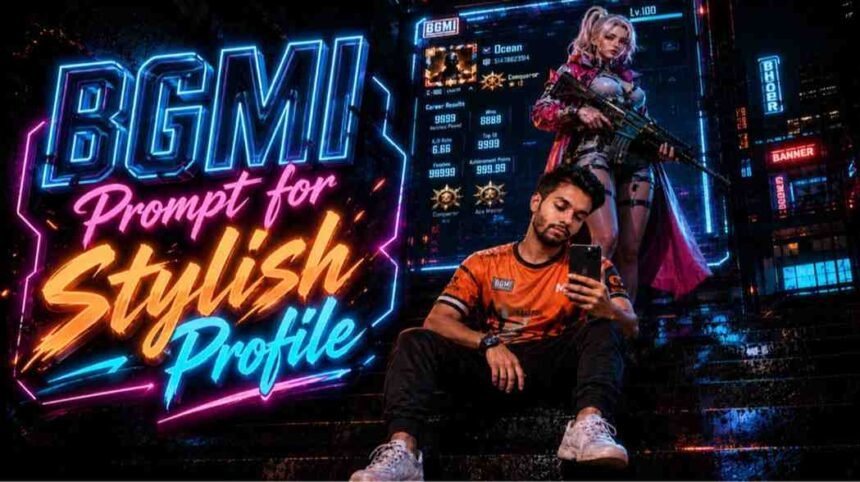
Artificial Intelligence is making significant changes in every industry now. Replacing hours of human work in just a few seconds by entering prompts. As a gamer, AI can be very helpful for us, like we can create thumbnails for YouTube, featured images, BGMI Prompt for Profile, and can ask any questions that are bothering us related to the game. But you can’t rely on AI every time; a smart brain can defeat AI easily. However, when we talk about creating some cool stuff, yeah it’s gonna be fun doing experiments with ChatGPT.
- BGMI Prompt for ChatGPT
- 🎮 Prompt #1 – BGMI Esports Poster
- 🎮 Prompt #2 – Premium BGMI Girl Gamer Poster
- 🎮 Prompt #3 – Royal Cyberpunk BGMI Queen Poster
- 🎮 Prompt #4 – BGMI Conqueror Champion Poster
- 🎮 Prompt #5 – Duo Partner Esports Showcase
- 🎮 Prompt #6 – Elite Duo Esports Poster
- 🎮 Prompt #7 – BGMI Fire Phantom Champion Poster
- How do I Use BGMI Prompt?
- BGMI Profile Editing Prompt FAQs
If you are looking for BGMI prompt to make your stylish profile picture, attractive cover image, or eye-catching YouTube channel art, you have landed at the perfect place. BGMI Khelo is a community and popular platform for Battlegrounds Mobile India; you’ll find everything you want here. For now, here are some of the best BGMI prompts for ChatGPT.
BGMI Prompt for ChatGPT
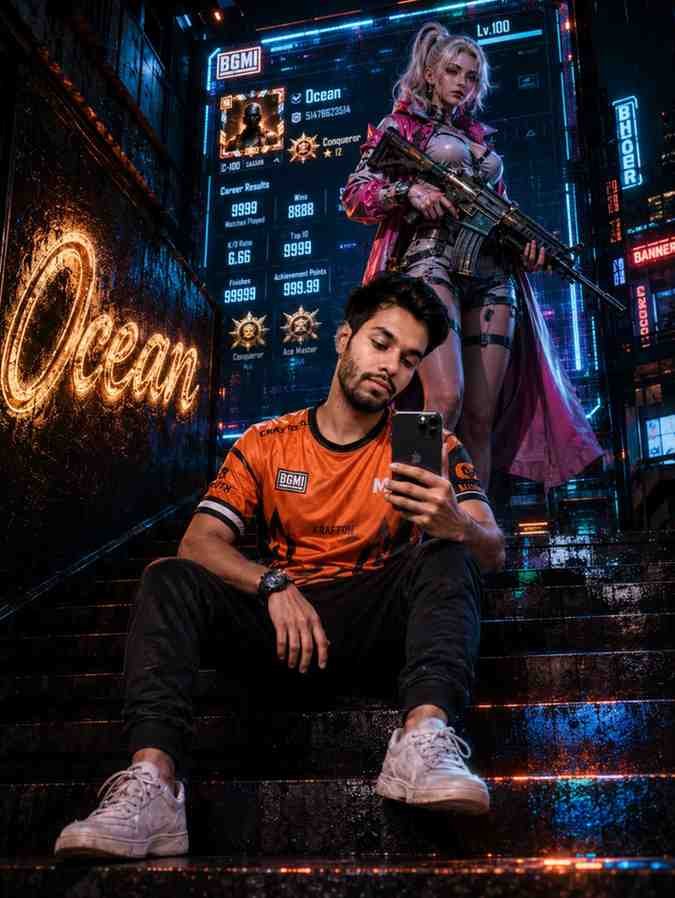
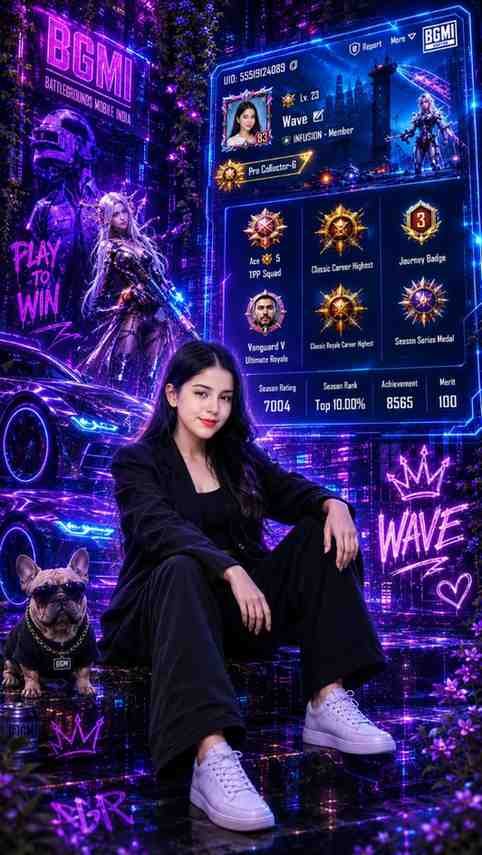
Here, I made the best stylish profile maker for your BGMI account. You can paste this prompt directly into ChatGPT to make your profile picture.
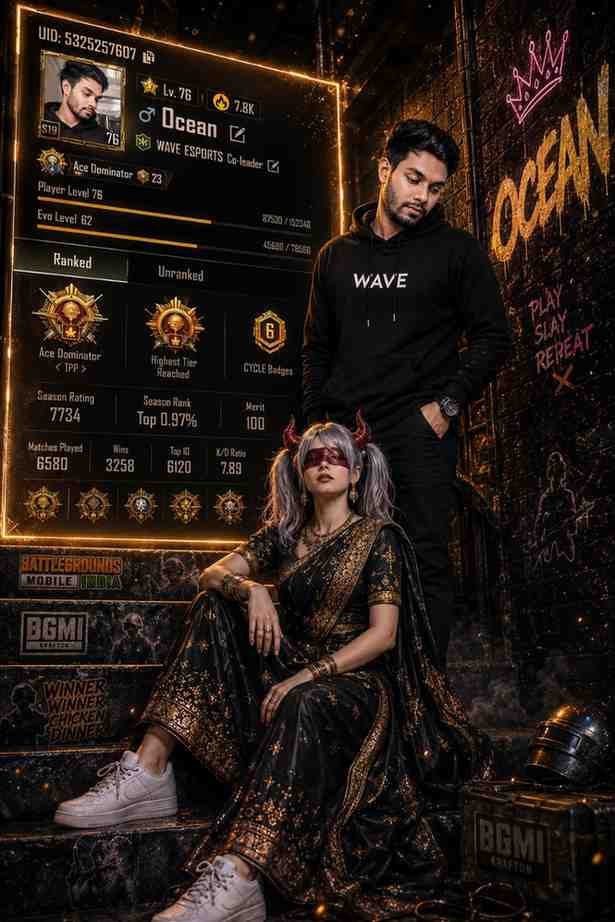
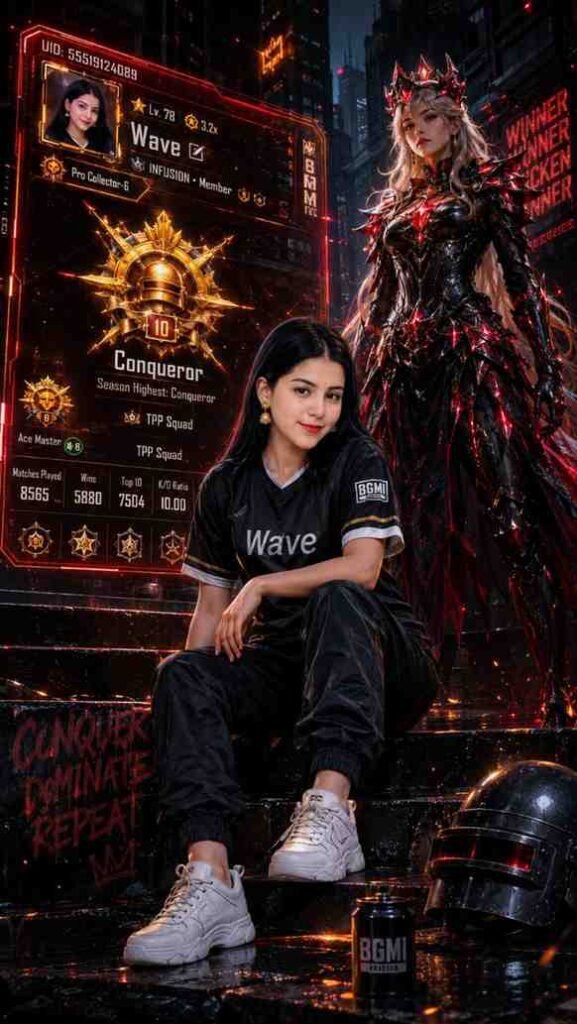
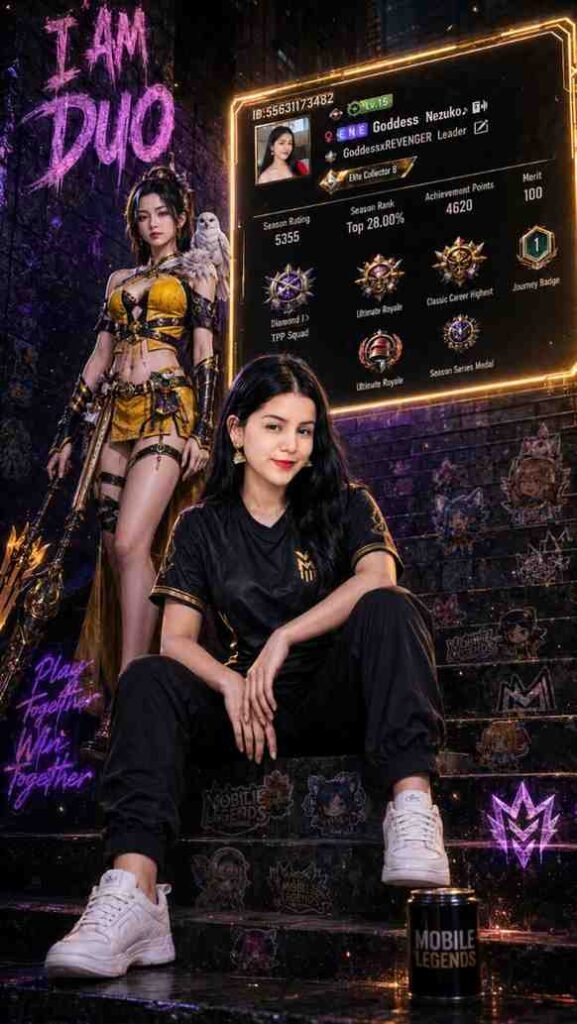
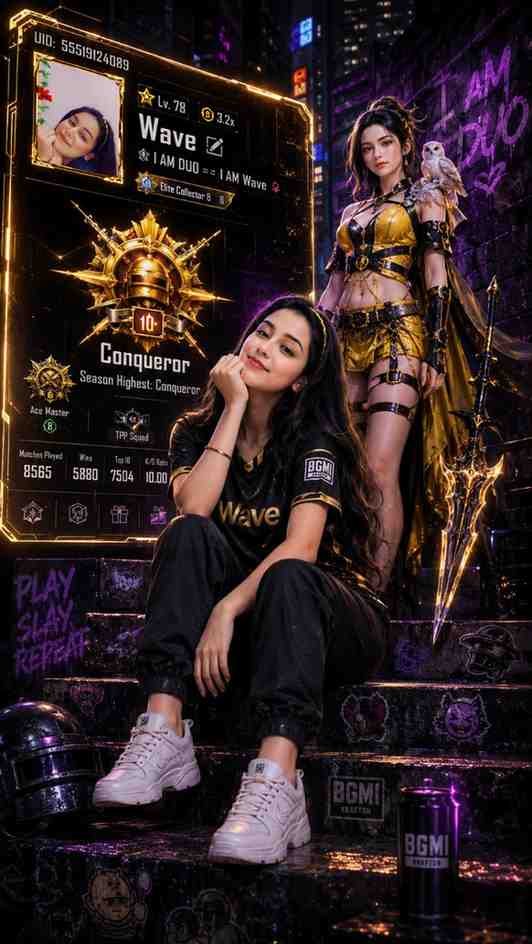

How do I Use BGMI Prompt?
You won’t get the same result as mine if you paste this prompt into Gemini. Don’t worry, I researched everything; my BGMI prompts are perfectly fine. They are just more capable with ChatGPT. I do most of my coding corrections with ChatGPT and it’s really accurate. Unfortunately, there’s a limit on free version that we can only make 5-7 images per day. So, from my designs choose wisely which prompt you want to use.
Download ChatGPT app on your phone and create your free account with your email address. Then type your full name and age. Now you’re ready to go: tap on the “+” icon > “Photos” to select your selfie. Don’t forget that you have to select a photo of yours in which your face is crystal clear. Send your prompt, It’ll take a few seconds to make your profile.
You can also make the minor corrections if you don’t like the result. Just type messages like “change my character,” “my name,” or “increase the size of fonts”.
BGMI Profile Editing Prompt FAQs
Well, I can’t say no because they are just prompts and nothing else. The problem is Gemini’s result is not accurate; sometimes it makes different results, and other times it looks like a YouTube thumbnail. So, for making stylish BGMI pictures, I don’t prefer Gemini.
Yes, you can create your free account and start creating these stylish pictures. You don’t have to pay as ChatGPT allows free-tier users to make a few images without paying a penny.
Even I use the free version; don’t be surprised. Of course, why would I pay for this? However, we can make a maximum of 5 to 7 edited images with the free plan.