Whether you are live streaming BGMI on YouTube or posting videos, sharing any gameplay guide or sensitivity settings, it is important for gamer or streamer to have a attractive thumbnail. The most important thing to make any YouTube video clickable is thumbnail, the viewer first notices your thumbnail and if they finds it interesting then they clicks on your video and watches it. If you also want to get rid of boring thumbnails and want to make your video or shorts go viral, you have to add the best BGMI thumbnail.
Here, we have given list of best BGMI thumbnail for YouTube + Copyright free, I have edited them myself, you only have to add text related to your video topic, which you can do with any editing software like PicsArt, Insta Edits or CapCut. This free BGMI thumbnail will make your video more interesting and clickable which you can download in 4K.
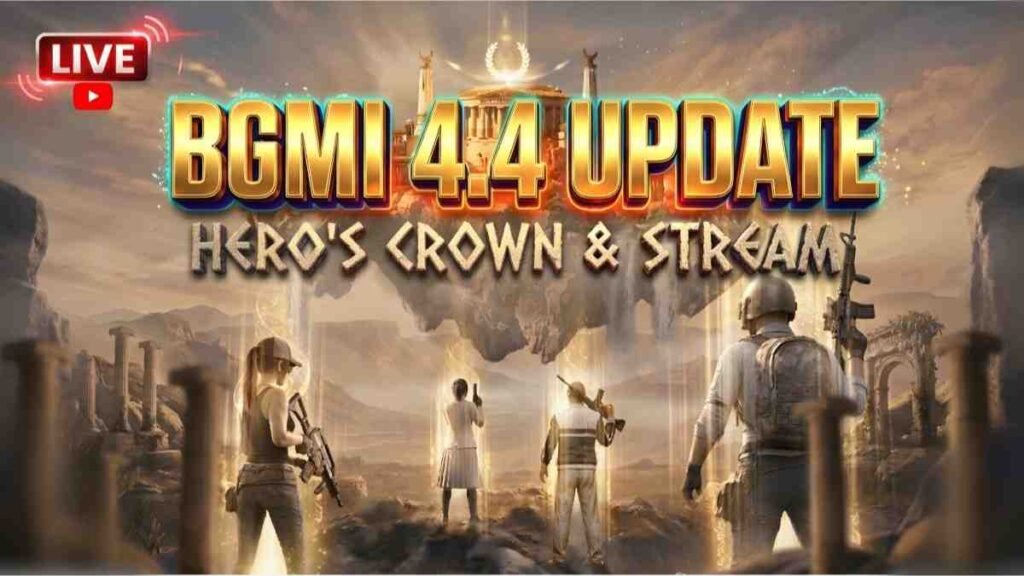
BGMI 4.4 Update Thumbnail
BGMI 4.4 update is now set to roll out on May 19, 2026. If you have made a video for YouTube, whether it is gameplay video, BGMI 4.4 update release date information or live streaming, you can save this thumbnail and upload it for your YT video.


Best BGMI Thumbnails Background
You can use these pre-edited pics for live streaming and gameplay videos.
Are you going to upload a video on YouTube regarding the sensitivity guide? So, use these attractive thumbnail and add your text, best BGMI sensitivity code and get more views.

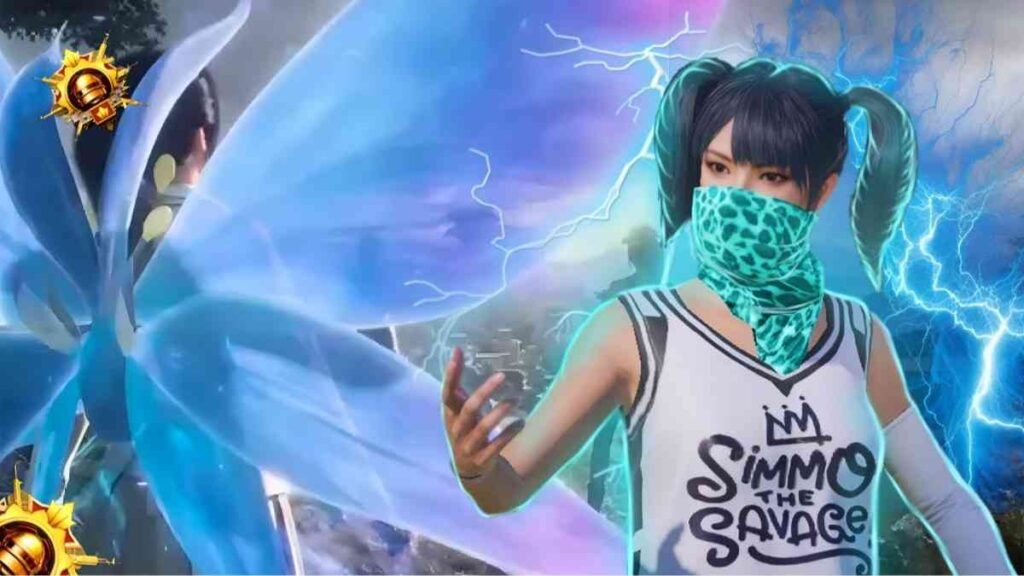
BGMI Thumbnail for YouTube Live Stream
If you are going to do live streaming then you need to add a clickbait thumbnail that will entice the viewers to click and start watching your stream. These are some great streaming thumbnails that you can download and try:
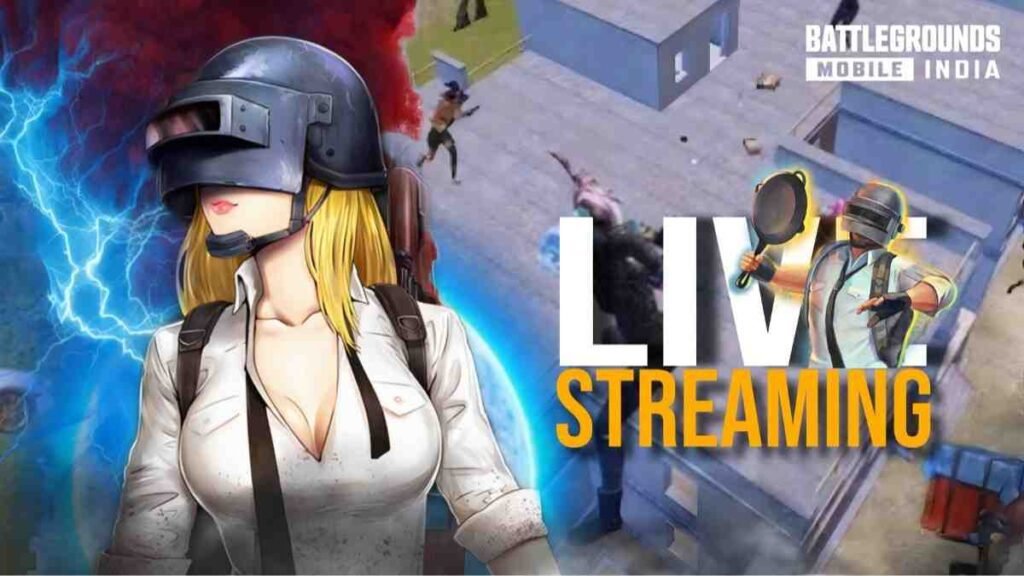
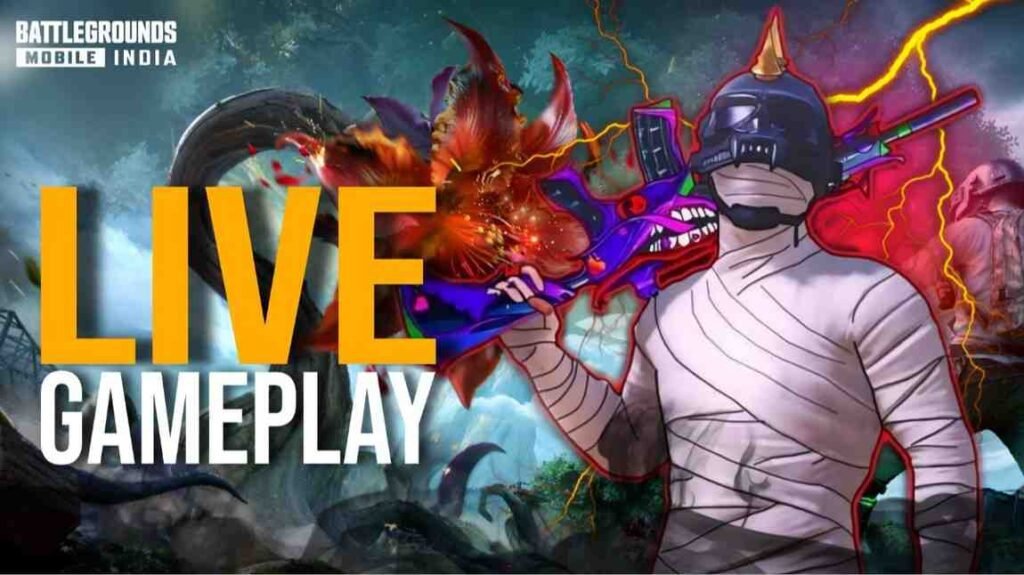
HD-4K Thumbnails for YouTube Shorts
Do you like uploading shorts on YouTube? To make these shorts viral we also needed to add thumbnails. A thumbnail makes your yt shorts interesting and helps in getting more views. These are some of the great thumbnails you can put on your shorts, plus you can use them for Instagram Reels:
More Thumbnails are Coming…
Comment down what you need for…
How can one Download and use Thumbnails?
- To start, first download the thumbnail of your choice from the Google Drive link provided.
- Keep in mind that the size of your thumbnail should be 2 MB or less.
- If the thumbnail size is more than 2 MB then compress it with iloveimg.com/compress-image and reduce its size.
- Now open the YouTube Studio app in mobile and go to the content.
- Select your video, tap Edit (pencil icon) and then tap on Edit Thumbnail.
- Select thumbnail from gallery and upload it.
- As of 2026, you can now edit thumbnails of YouTube shorts on your computer. However, it is better to set the thumbnail from mobile.
Best Apps for Designing BGMI Thumbnails on Mobile?
If you want to design attractive thumbnails yourself and unleash your creativity, then the best editing apps for thumbnails are:
- PicsArt: The best editing app in which you will get BGMI/PUBG stickers, you can design the background, font styles, and after editing you can also enhance the quality of the photo.
- CapCut: I also use CapCut for gaming video and photo editing, it gives you eye-catching font designs for thumbnails which makes your pic clickable, (CapCut can be run and downloaded by installing a VPN as it is not available in India).
Benefits of using Custom Thumbnails?
Better CTR (Click-Through-Rate): A well designed and attractive thumbnail influences the CTR of your video which helps in getting millions of views. Your content appears in recommended videos and gets an even more boost, thanks to your thumbnail design.
Chance to Get Viral: When viewers click on your content and watch your videos because of your eye-catching thumbnail, the YouTube algorithm pushes your video among even more similar audiences. Better CTR helps your videos go viral so it is important to have a user-friendly thumbnail.
Search Ranking: If you have targeted highly searched keywords for your videos, then a good thumbnail can show your video at the top of the search results. With this strategy, your video gets new audiences and subscribers.
Browse Features: Videos with engaging thumbnails are shown in high-visibility areas in the browse feature, increasing their organic reach and potential.
Improve SEO: To increase organic reach on YouTube video, it is important to do SEO (search engine optimization). These are the advance settings that you cannot ignore which include video category, topic, tags and the important part is to set a clickable thumbnail.
FAQs: Most Asked Questions by Players?
To create an eye-catching thumbnail, you can place a screenshot of the best part of your video on half the screen. On the other hand, you can use a sticker of a character that includes thunderstorm and lighting effects. Do not over-design it just use simple and clearly visible text.
On bgmikhelo.com, you will find many pre-designed thumbnails, download them and all you have to do is add text on them as per your video.
You can have an image width of 640px or 1280×720 pixels, using formats like JPG, PNG and GIF.