
Creating a stylish name is the most attractive and first thing to be noticed for Battlegrounds Mobile India. However, when it comes to a stylish BGMI name, it is not just about font styles and symbols that matter, you must also have a unique name. And if you want your name to be easy to remember and catchy for your teammates and opponents, then you will have to add a space in it. And here’s everything about how you can add space to your name.
Putting empty space in between the name is a bit tricky. Because when you manually hit the space bar between two words, the space is not visible in the preview. Luckily, to add space, you will have to paste a hidden symbol in between the words, which you can copy and paste from here.
BGMI Name Space Symbol
| Symbol | Copy and Paste |
|---|---|
| Ī |
How to Add a Space in BGMI Name?
The symbol will add space between your two words and make your name look more catchy and easy to read. Copy the BGMI Name space symbol given above and use it in your name like this:
- First of all, copy the BGMI name space symbol.
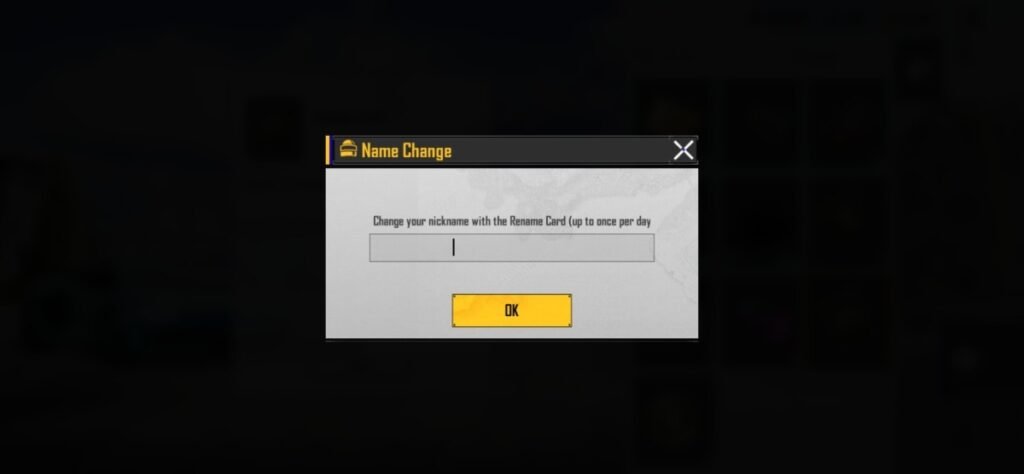
- Launch the game, utilize the rename card from your inventory.
- Enter your new name something like this: “SagarĪChauhan”.
- You have to paste this symbol exactly between two words.
- After that check the preview, if you like it then press the “Change” button.
- If you want to add a little more space, you can paste the symbol one more time like this: “SagarĪĪChauhan”. According to me, pasting the symbol once is enough.
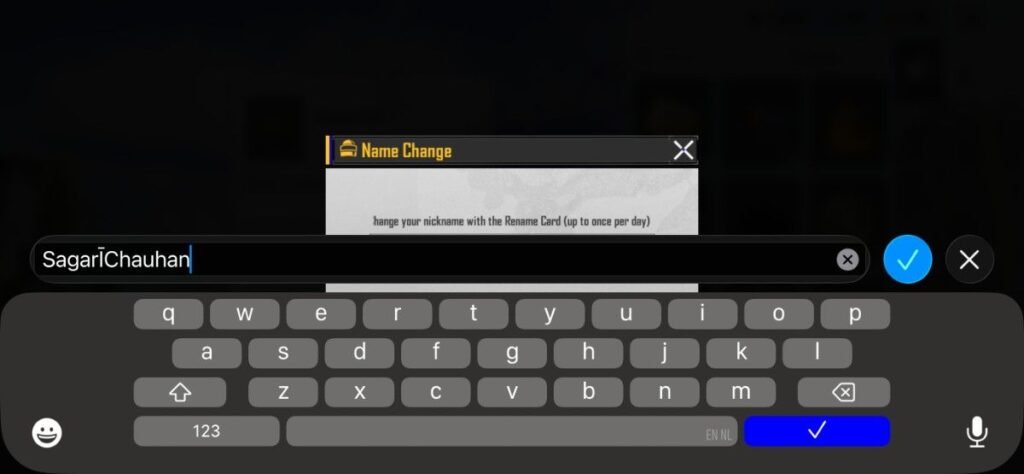
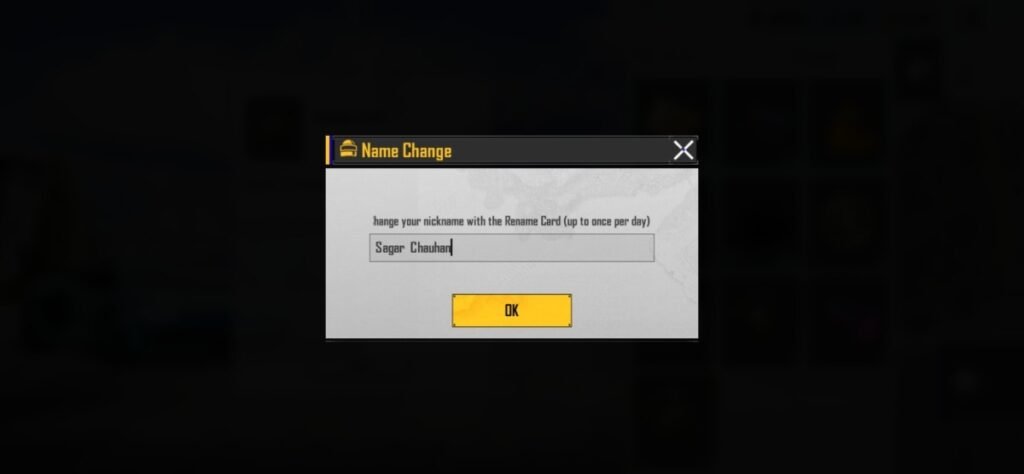
While changing the name requires a rename card, if you do not have one then you can find out here how to get the bgmi rename card. You can also buy a rename card from the in-game store at a cost of 180 UC. Currently, this is the perfect time as the BGMI UC Up event is going on, so you are getting the opportunity to earn extra bonus UC by purchasing BGMI UC.
- Stand Out in the Kill Message Feed
- Looks Professional
- Unique BGMI Profile Identity
- Easy-to-Read (No Random Numbers and Words)
- Hard for Friends to Search your Profile using your Name
- Changing name means Losing a Rename Card
Can I Make a Invisible Name in BGMI?
Yes, if you want to use a blank name that is invisible to opponents, kill feed and your profile, it is absolutely possible to do so.
However, creating an invisible name isn’t just about adding symbols; you have to use a completely different set of characters.
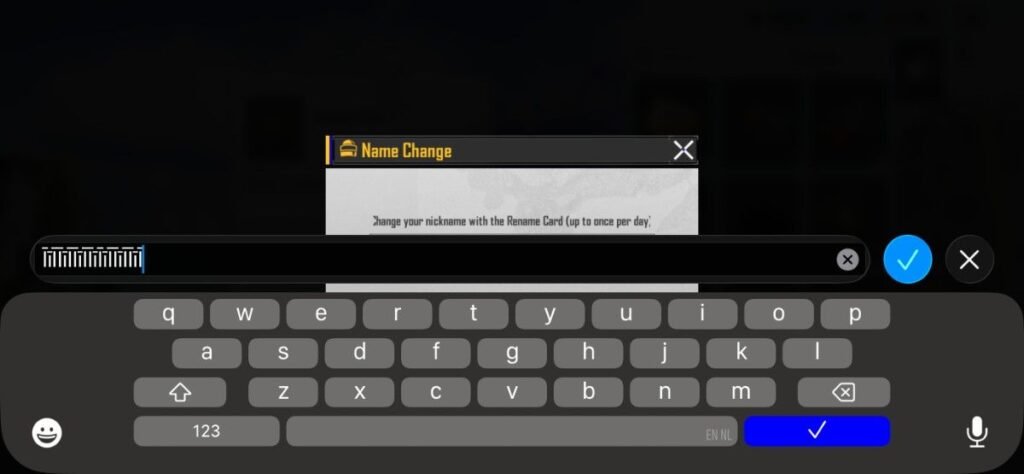
Copy the Blank Character: Copy the blank space between these brackets [ ㅤ ] and then paste it into the “Change name” box using the rename card.
Note: Do not copy the brackets, you have to copy the blank space between them.
Pro Tips: It is possible that if someone has already kept the name with this character then you will face the error message “Already Taken”. To deal with this, you have to make a combo with other characters and symbols, something like this: “ㅤĪėĪ ㅤ “. And try this with different symbols so that you get a unique name and successfully transform your name into an invisible name.
List of Space Symbols and Characters
These are some more symbols that can be used to add space in between your name, all you have to do is copy and paste:
| Symbols | Copy and Paste |
|---|---|
| [ ] | |
| Ī | |
| ė | |
| [ ㅤ ] |
Wannabe Catchy Names with Space
Here I have prepared a list of not-so-stylish but cool sounding names which you can use and also take as a kind of reference. If you are looking for stylish name ideas for BGMI then your search will end here “BGMI Style Names List“.
The space symbol has already been added in these names, you just have to press the copy button to use them. Some cool sounding names look even more cooler as they climb up the BGMI tier list ranking leaderboards. So choose a spicy name wisely:
| LadleĪMeow | |
| KalluĪKaliya | |
| SheĪUsedĪYou | |
| LootĪDilado | |
| HealthyĪBullet | |
| KaatĪGayiĪNa | |
| SamosaĪSniper | |
| YourNameĪVsĪAll | |
| GhopĪGhop | |
| MotherĪPromise | |
| BholeĪChathure | |
| TryĪHarder | |
| TereĪBasĪKiĪNahi | |
| LiveWaloKiMKC | |
| MuhĪMeĪLele | |
| NotĪCringe | |
| DudeĪEnough | |
| GoliĪVsĪLoli | |
| MainĪJaraĪHu | |
| BhaiĪBachale | |
| MeowĪMeow |
BGMI Name Rules and Limitations
Before customizing your name, it is important for you to know what are BGMI’s name changing guidelines:
- You can use only approximately maximum 14 characters in your name.
- The symbol added to provide space also counts towards this character restriction.
- More stylish fonts and symbols are restricted.
- Offensive and inappropriate names can lead to a ban on your account.
- Excessive use of special characters may result in errors.
BGMI Name Space FAQs
Yes, you can add space between two words to make your name more catchy.
No, to change the name a rename card is required. The rename card costs 180 UC, although you can get a free rename card if you go offline from the game for 7 consecutive days.
Yes, it is absolutely safe if you use supported symbols and characters.